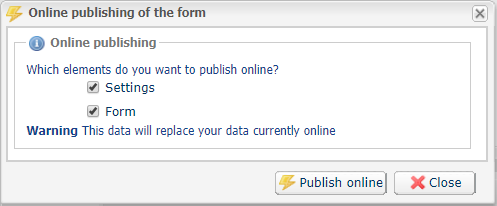
- In the Form management tab, click the Publish online button at the bottom of the page.

- Select the modified items and click Upload.
Once the changes have been applied to the submission form, a confirmation message will provide you with the URL for your form.
Submitting the form automatically activates your store in production mode. Your form is now available in production mode in Management > Configuration of the data collection form > [Your shop].
If you encounter any difficulties, please contact support.